 Loyaltri
Monthly Payout Report – Consolidated & Detailed Views
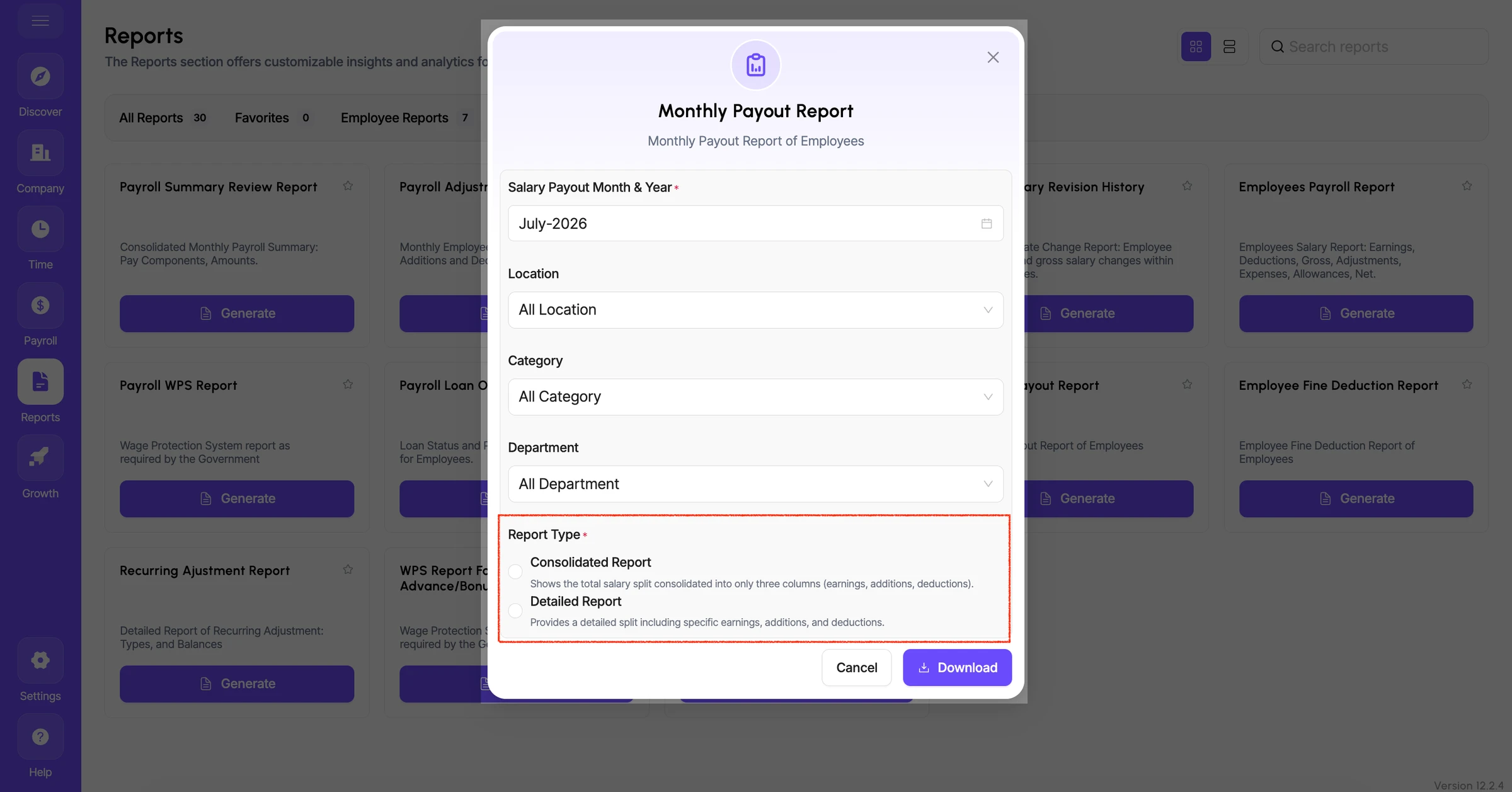
We have enhanced the Monthly Payout Report with two reporting options, giving payroll teams greater flexibility in reviewing and exporting processed salary data.
Once payroll is processed, users can generate the payout report in either Consolidated or Detailed format.
What’s New
Consolidated Report
- Provides a summarized salary view.
- Displays the total amounts under:
- Earnings
- Additions
- Deductions
Useful when users need a quick monthly payroll summary without individual component-level details.
Detailed Report
- Provides a complete component-wise salary breakup in Excel.
- Shows the individual split of:
- Each earning component
- Each addition component
- Each deduction component
Helps payroll and finance teams perform detailed verification and reconciliation.
Users can also filter the report by Location, Category, and Department before downloading it.
How was this update?
Pick the face that best matches your reaction