 Loyaltri
Payroll Cost Distribution by Punch Source
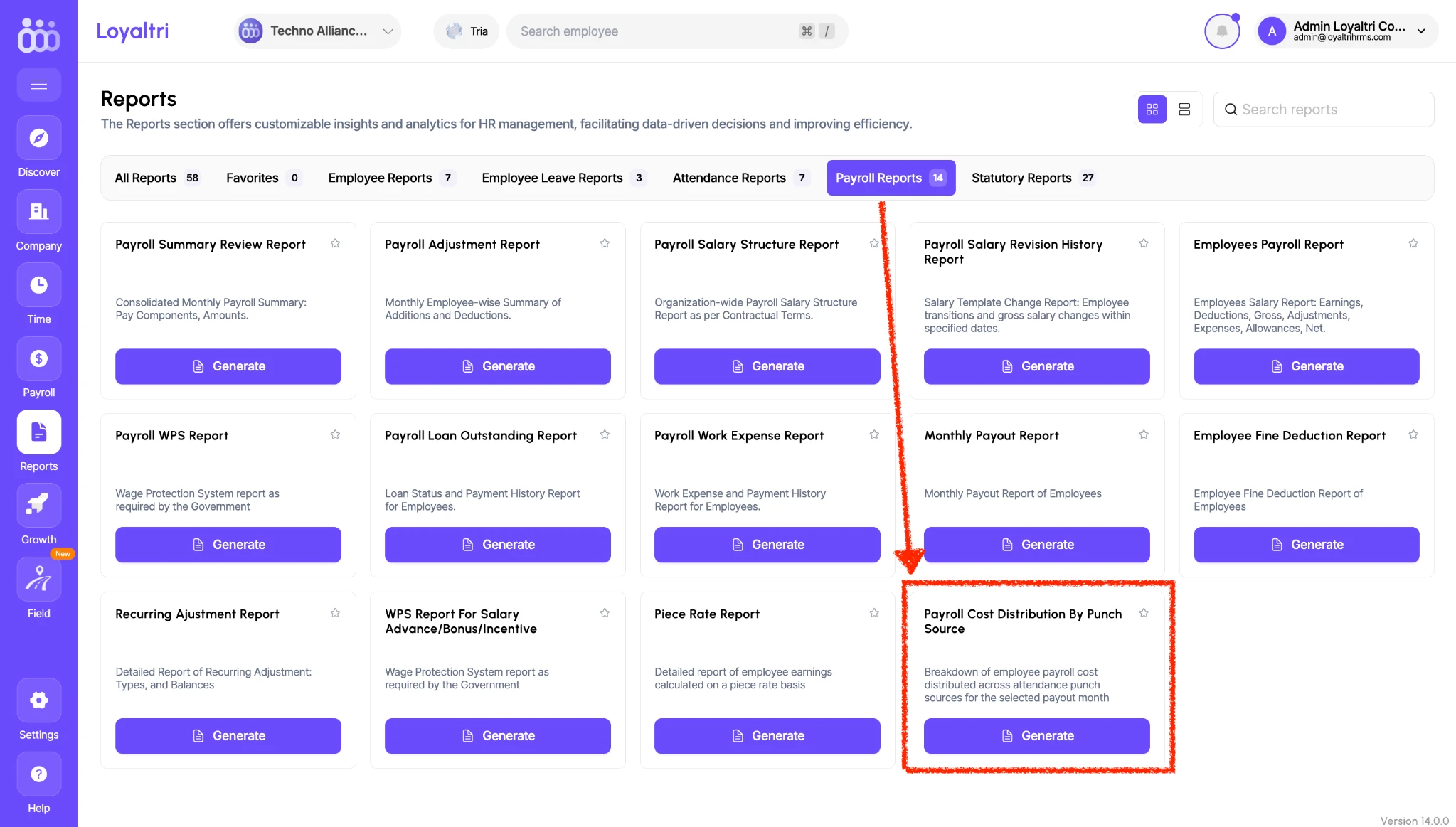
You can now view employee salary costs distributed across outlets based on their punch-in data using the new Payroll Cost Distribution By Punch Source report.
This is especially useful for companies where employees work across multiple outlets during the same month. The report uses attendance punch sources - the device or source through which attendance is recorded - to identify how payroll costs are distributed.
You do not need to transfer an employee between outlets just to allocate their salary cost. Their punch-in records provide the basis for the cost breakdown.
With this report, HR and finance teams can:
- Review payroll costs across punch sources for the selected payout month.
- Identify the salary cost allocated to different outlets.
- Account for employees who support multiple outlets.
- Use the breakdown for outlet-wise salary cost booking and internal reporting.
How to Access
1. Go to Reports → Payroll Reports.
2. Find Payroll Cost Distribution By Punch Source.
3. Click Generate and select the required payout month.
How was this update?
Pick the face that best matches your reaction